

1/0
Projects
1 Items
Product By
Ask a question

Description
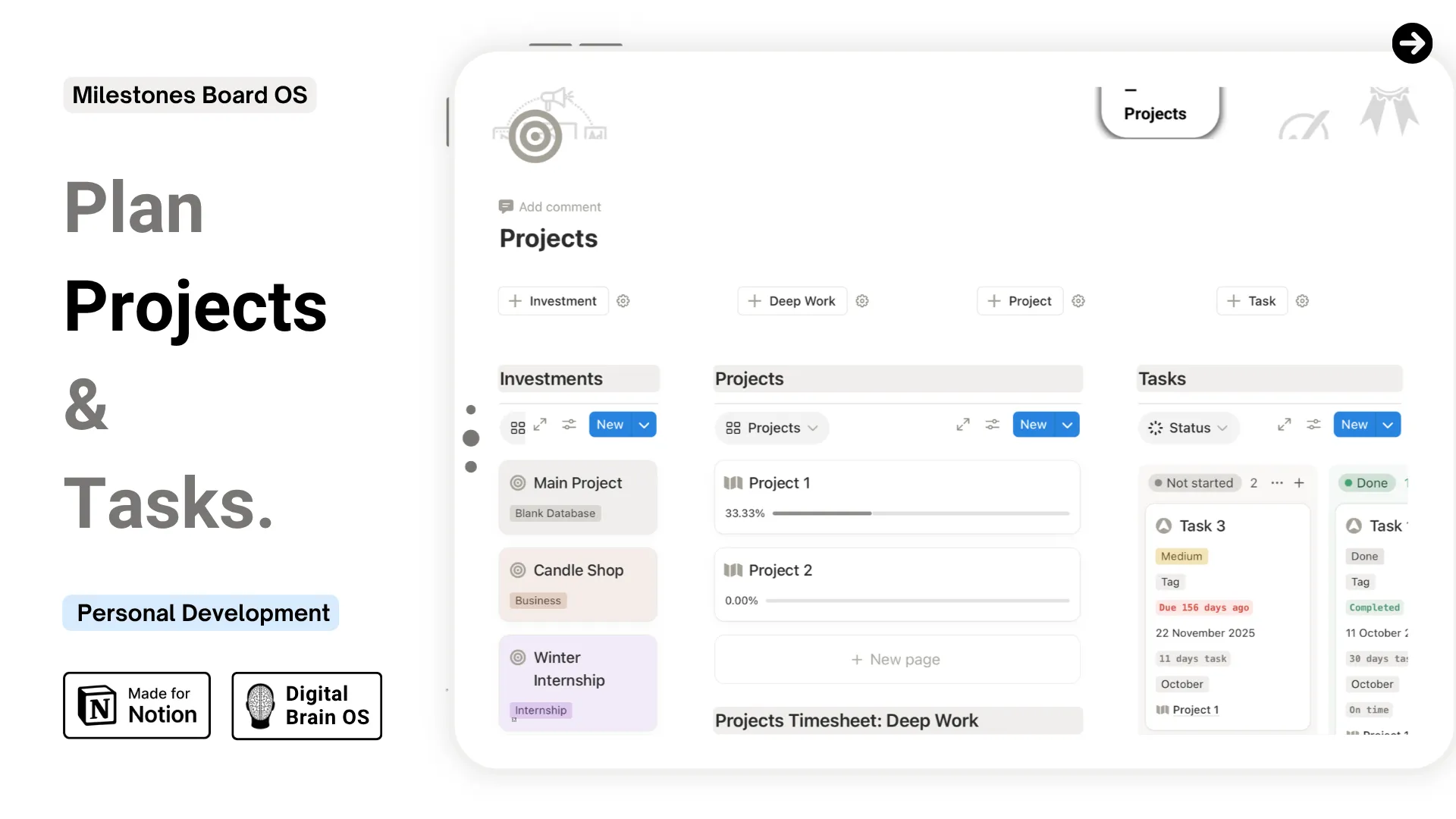
Projects — Investments, Tasks & Deep Work Planner
Knowing what matters is one thing. Having a system to actually move it forward is another. A structured space to manage your priorities from big-picture investment down to the next action step.
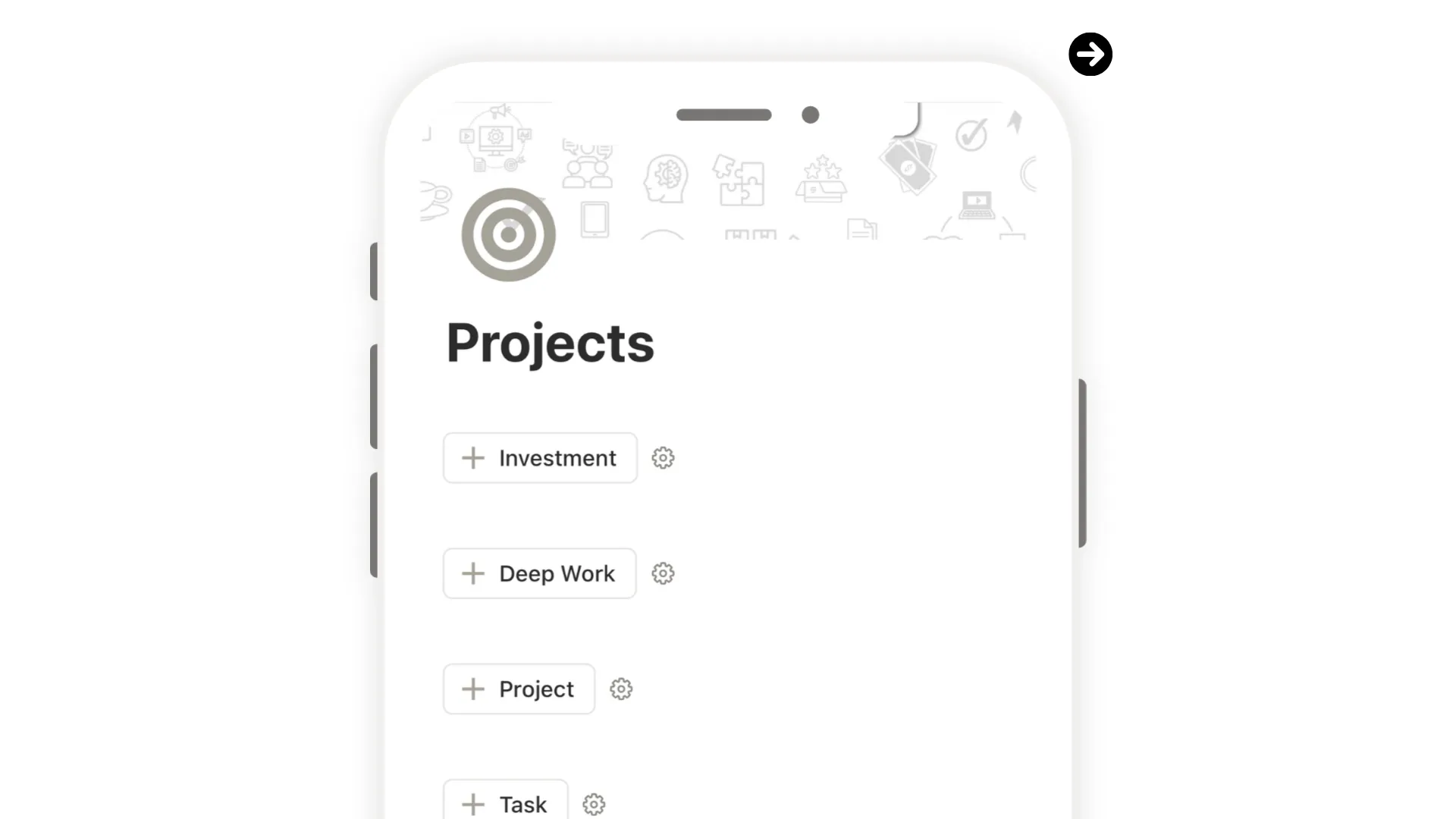
A productivity system built inside Notion to help you stay focused, track progress, and plan your deep work.
What This Template Helps You Do
- Define your top-level investments and keep your biggest priorities visible
- Break each investment into focused, goal-oriented projects with clear timelines
- Create tasks with status, priority, due dates, dependencies, and linked projects
- Schedule deep work sessions and track exactly when focused effort happens
- See your full workflow — from vision to daily action — in one connected view
- Sync with Notion Calendar to plan and visualize your workload at a glance
Core Features
- Investments Tracker — log your top priorities, categorize by tag, and keep them front and center
- Projects Database — break investments into actionable projects with goals and timelines
- Tasks Tracker — full detail per task: status, priority, due date, dependencies, assignee, and more
- Focus Timesheet (Deep Work) — schedule dedicated work blocks with start and end times
- Auto-calculated fields — duration, days remaining, delay, and completion date
- Notion Calendar integration — view your scheduled work sessions directly in your calendar
Design & Experience
- Clean, structured layout designed for focus and clarity
- Fully responsive across desktop, tablet, and mobile
- Light and dark mode covers included
- Example entries included so you can start right away
- Lifetime access — no recurring fees
This is your focus system — the one that connects your biggest goals to the work you do every day.
By purchasing this, you also unlock
Community access
New updates
9 Posts
Exclusive content