

1/0
Expense
1 Items
Product By
Ask a question

Description
Expense — Track Every Payment, Understand Every Pattern
Knowing where your money goes is the first step to spending it better. This template makes that easy.
Most people track expenses in a single list and leave it at that. This template goes further — splitting your spending into six structured categories so you can see exactly what type of expense each payment is, how much you're spending in each area, and where your habits are costing you more than they should. Whether it's a one-off emergency or a recurring subscription you forgot about, everything has a place here.
What This Template Helps You Do
- Log every expense in the right category for a clearer breakdown of your spending
- Track one-time, recurring, and emergency payments in one organized space
- Monitor subscriptions and fixed bills with billing cycles, expiry dates, and payment portals
- Link each expense to the account it was paid from for accurate cash flow tracking
- Review monthly totals automatically across all expense categories
- Visualize spending patterns with overview charts and spot where you can cut back
- Attach receipts and notes to each entry for reference and verification
- Set up recurring templates to speed up repeated entries each month
Core Features
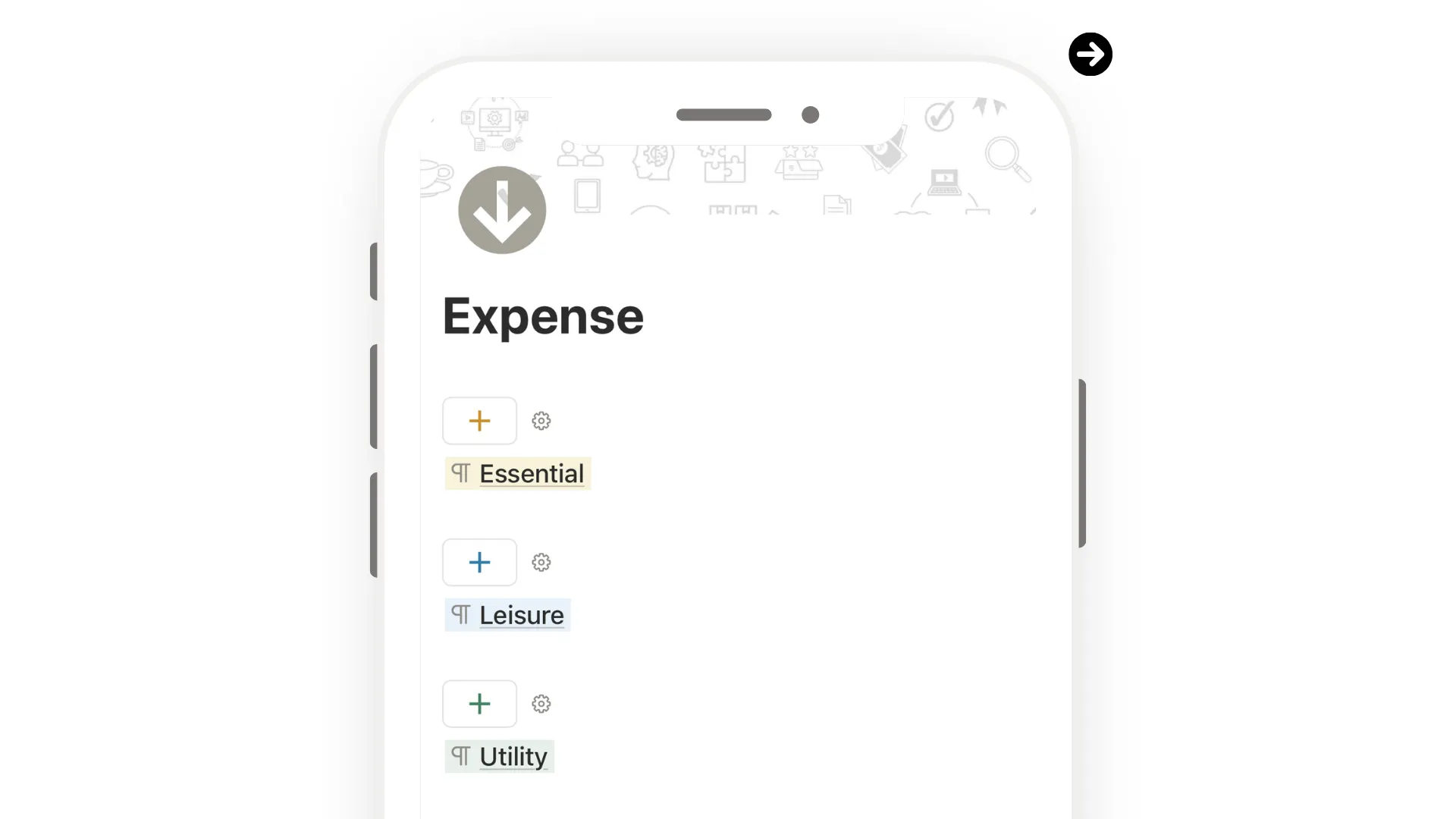
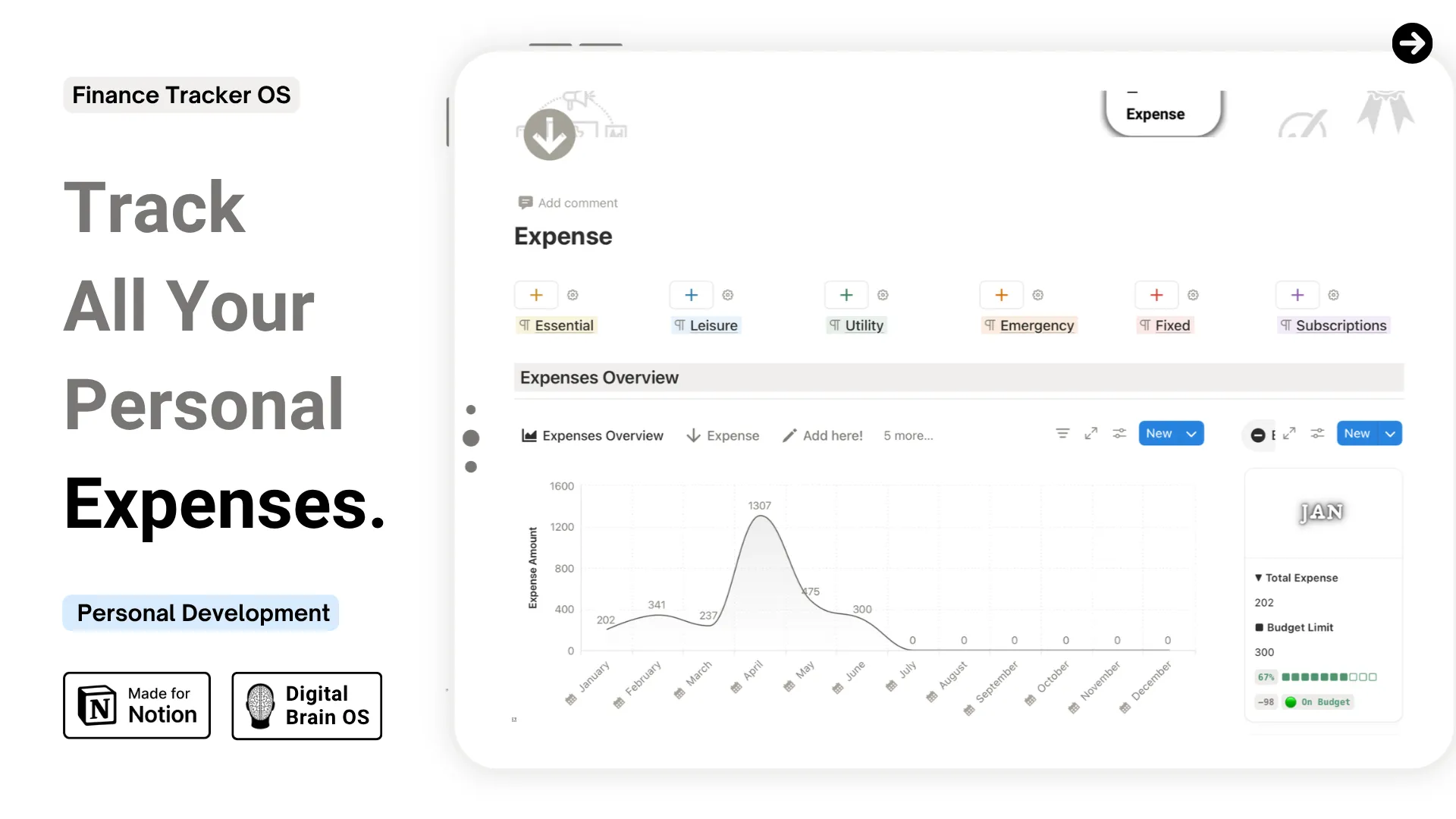
- Six Categorized Expense Databases — Essential, Leisure, Utility, Emergency, Fixed, and Subscriptions — each with its own structured table and color code
- Monthly Expenses Overview — automatically aggregates totals from all categories into one monthly summary
- Expense Categorization Guide — color-coded reference table with definitions and examples, plus an AI prompt to help assign the right category
- Subscription Category Table — detailed breakdown of subscription types to help you classify memberships accurately
- Overview Charts — visualize spending distribution by category at a glance (Notion paid plan)
- Extra Properties for Fixed Bills & Subscriptions — track expiry dates, billing cycles, and payment portals
- Confirmation Checkbox — mark each payment as verified once confirmed in your account
- Calendar Integration — connect to Notion Calendar to view expenses by date
- Example entries and step-by-step setup checklist included
- Reference guides on common taxes, fees, and multi-person setup
Design & Experience
- Clean, minimal layout for fast reference
- Fully responsive across desktop, tablet, and mobile
- Light and dark mode covers included
- Lifetime access — no recurring fees
Every payment logged, every category clear — so you always know exactly where your money is going.
By purchasing this, you also unlock
Community access
New updates
9 Posts
Exclusive content