

1/0
Shortcuts
1 Items
Product By
Ask a question

Description
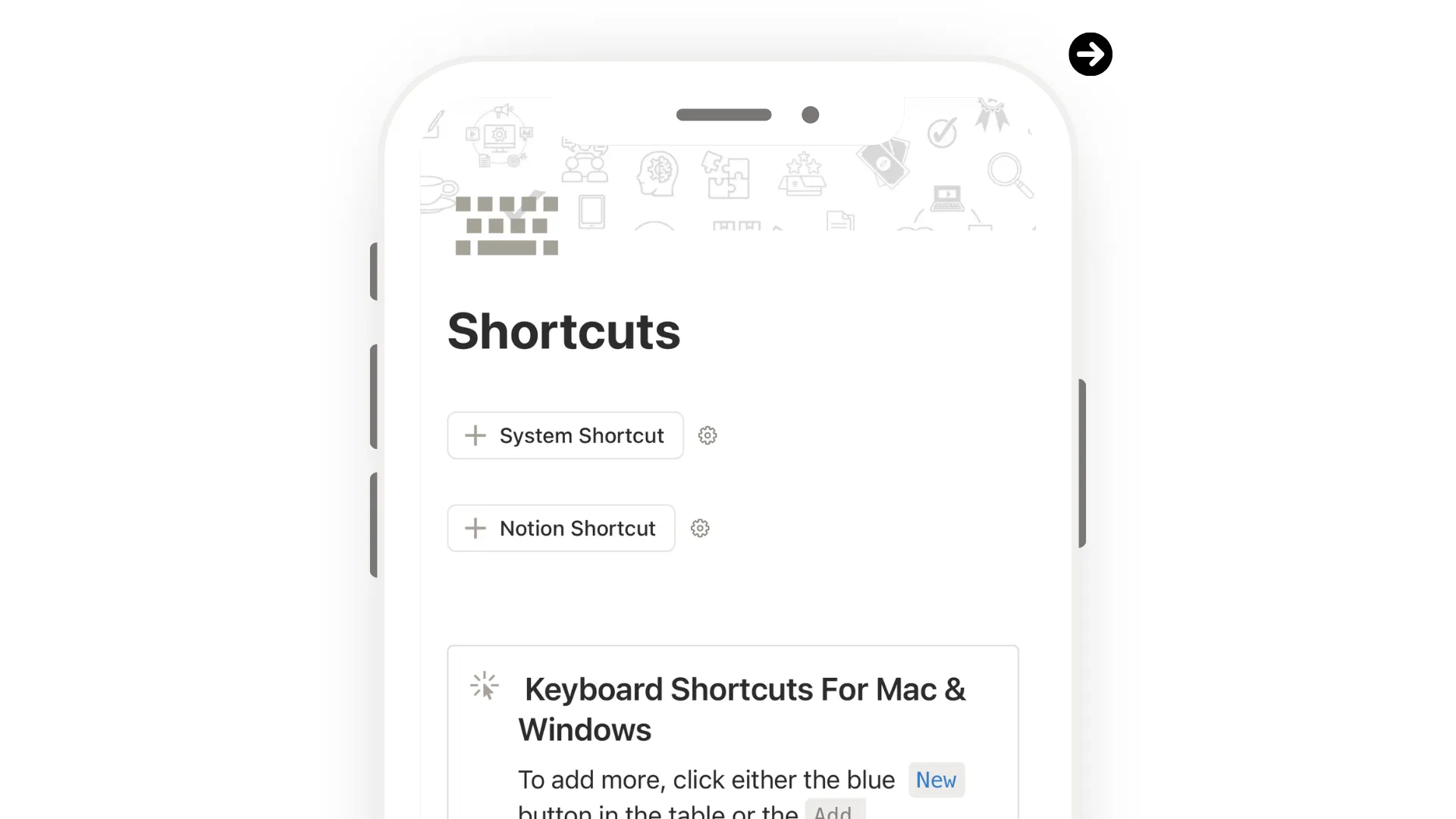
Shortcuts — Master Notion & System Keyboard Shortcuts for Mac & Windows
The less time you spend navigating menus, the more time you spend actually working.
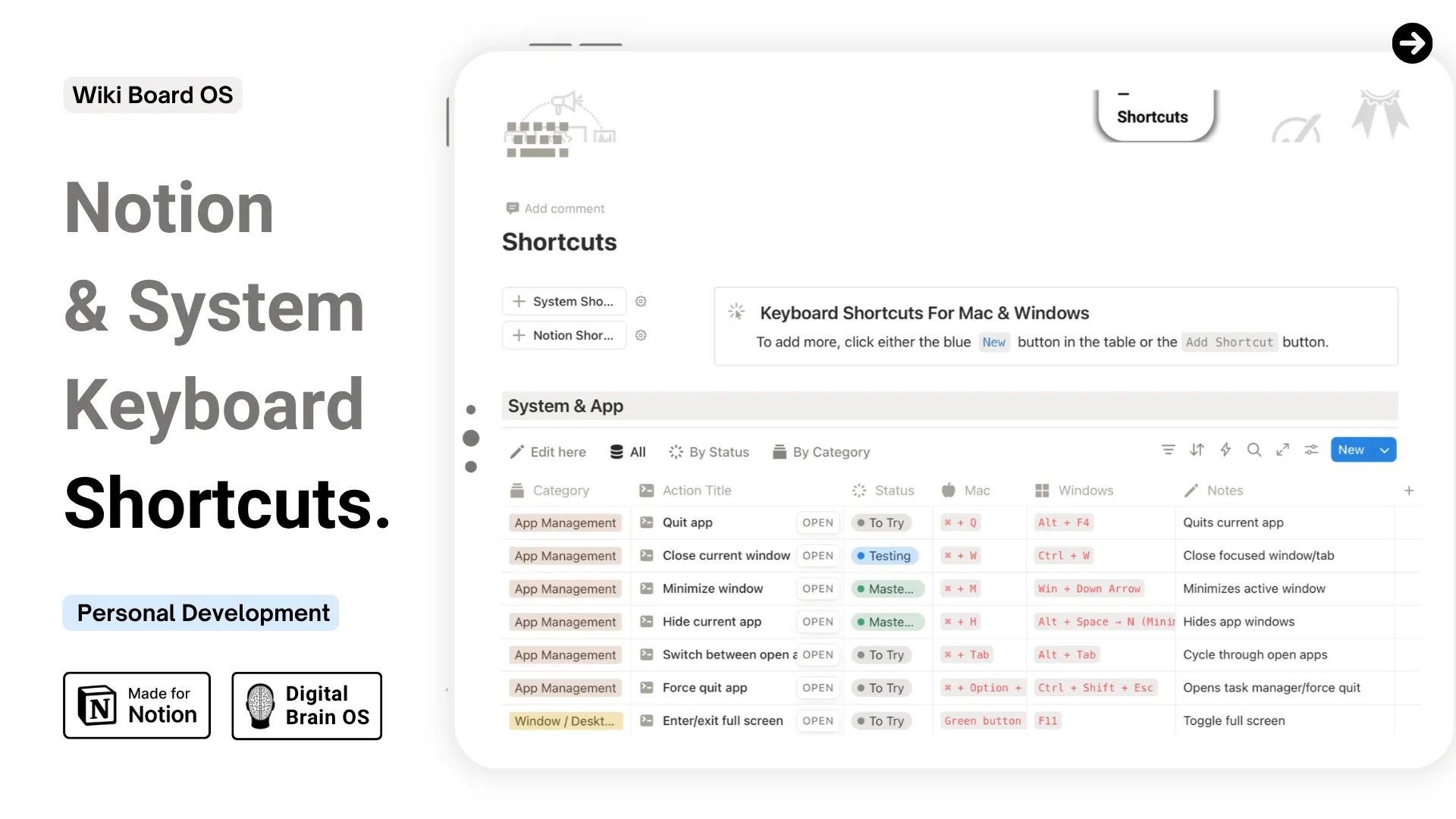
A centralized tracker to learn, practice, and master keyboard shortcuts across macOS, Windows, and Notion. Every shortcut is organized by category, trackable by status, and expandable with your own additions.
What This Template Helps You Do
- Learn and practice shortcuts for system functions, apps, and Notion
- Track mastery status from To Try → Testing → Mastered
- Add custom or app-specific shortcuts to build your personal library
- Keep notes on tips, alternative keys, or app-specific nuances
- Filter and sort by status to focus on what still needs practice
Core Features
- System & App Shortcuts — pre-categorized shortcuts for Mac and Windows, ready to learn
- Notion Shortcuts — key commands for a faster workflow inside Notion
- Status Tracking — move each shortcut from To Try to Testing to Mastered
- Notes Column — tips, alternatives, and app-specific instructions
- AI prompt included to generate app-specific shortcut tables ready for Notion
Design & Experience
- Clean, minimal layout designed for clarity and focus
- Fully responsive across desktop, tablet, and mobile
- Light and dark mode covers included
- Lifetime access — no recurring fees
The faster you know your shortcuts, the less time you spend thinking about the tool.
By purchasing this, you also unlock
Community access
New updates
9 Posts
Exclusive content