Krythena Screen Recording – Lifetime Personal License
Description
KRYTHENA SCREEN RECORDING FOR WINDOWS
More than recording.
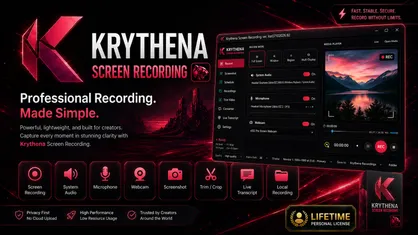
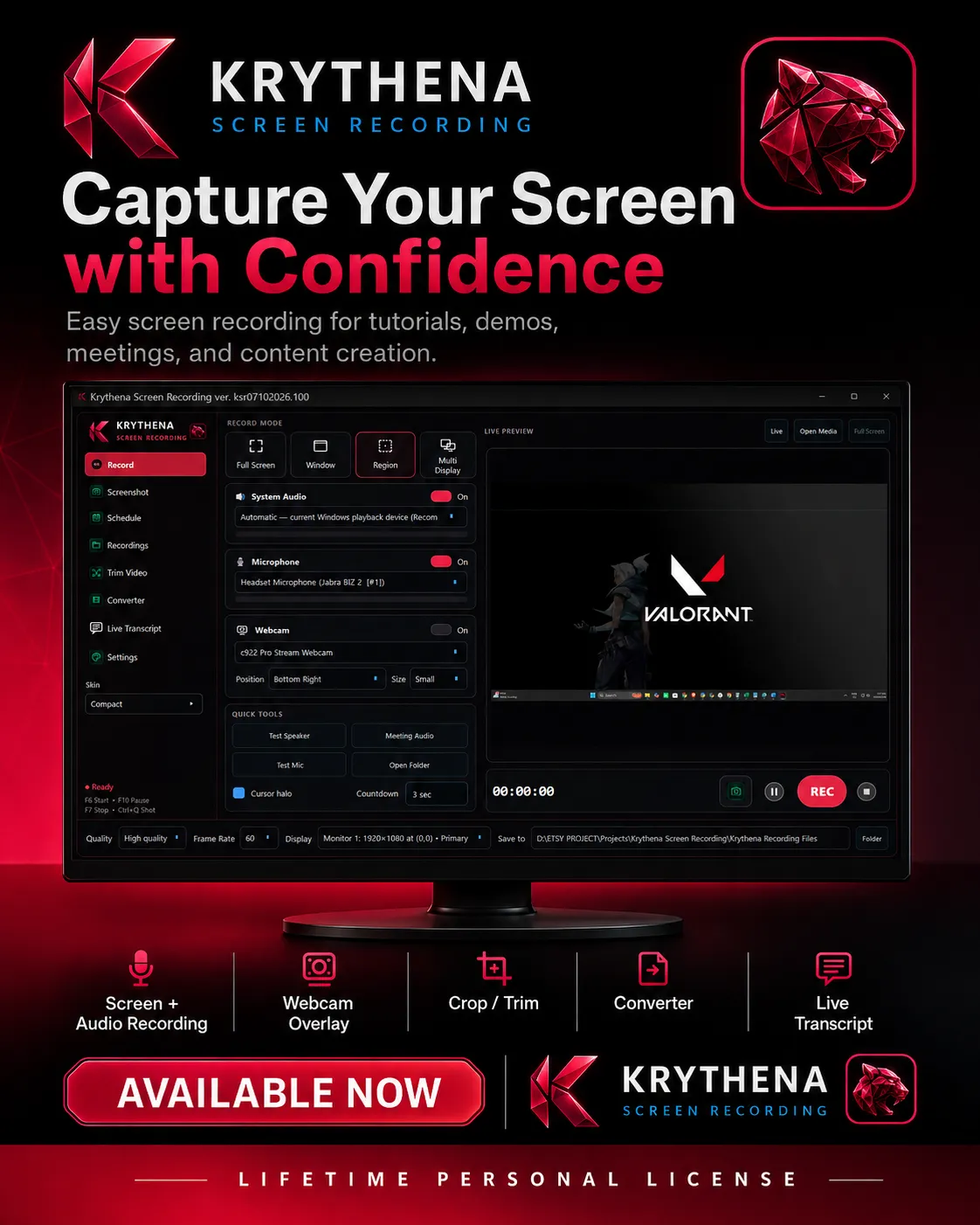
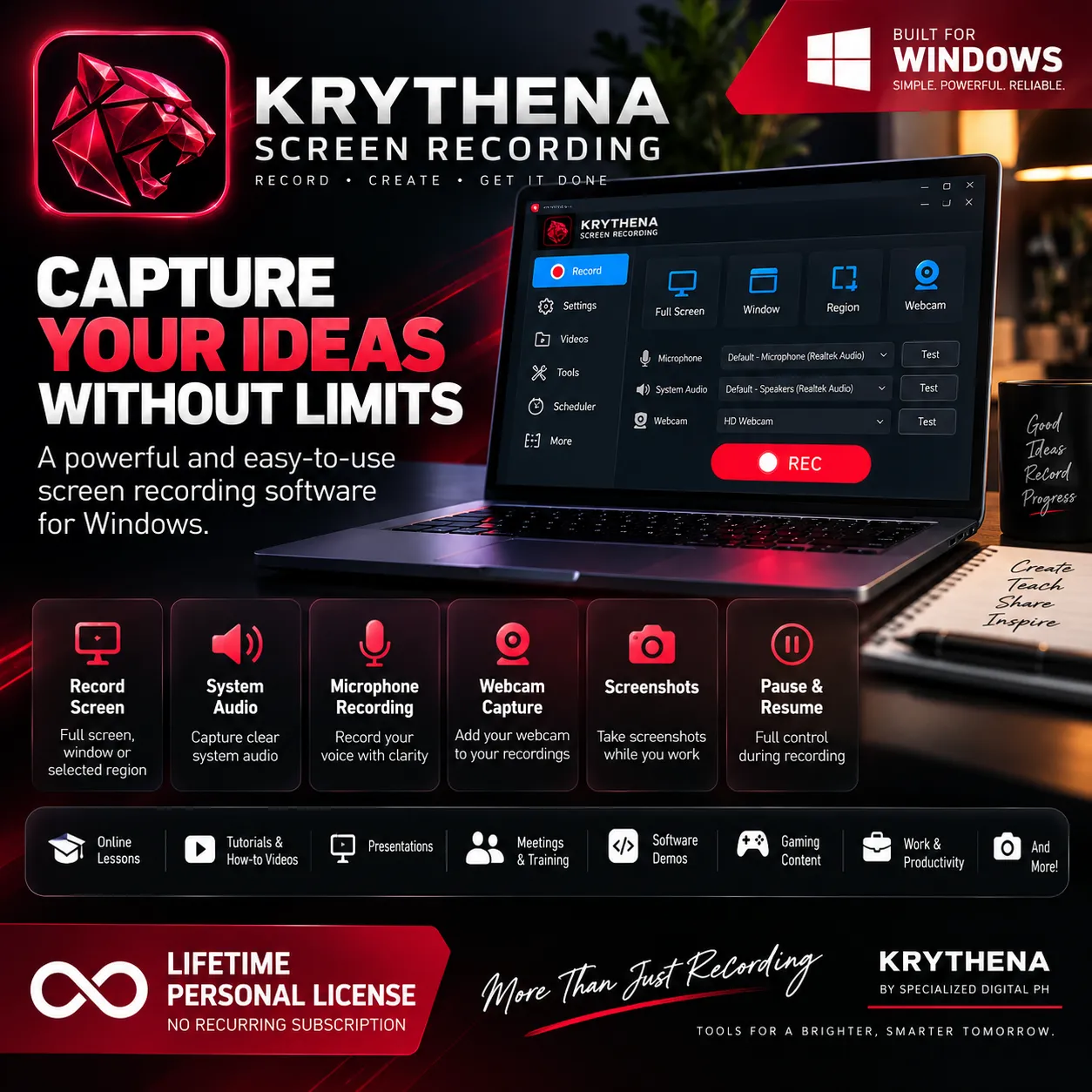
Krythena Screen Recording is a powerful, easy-to-use Windows desktop application designed for tutorials, meetings, presentations, training, demonstrations, software walkthroughs, content creation, and everyday screen capture.
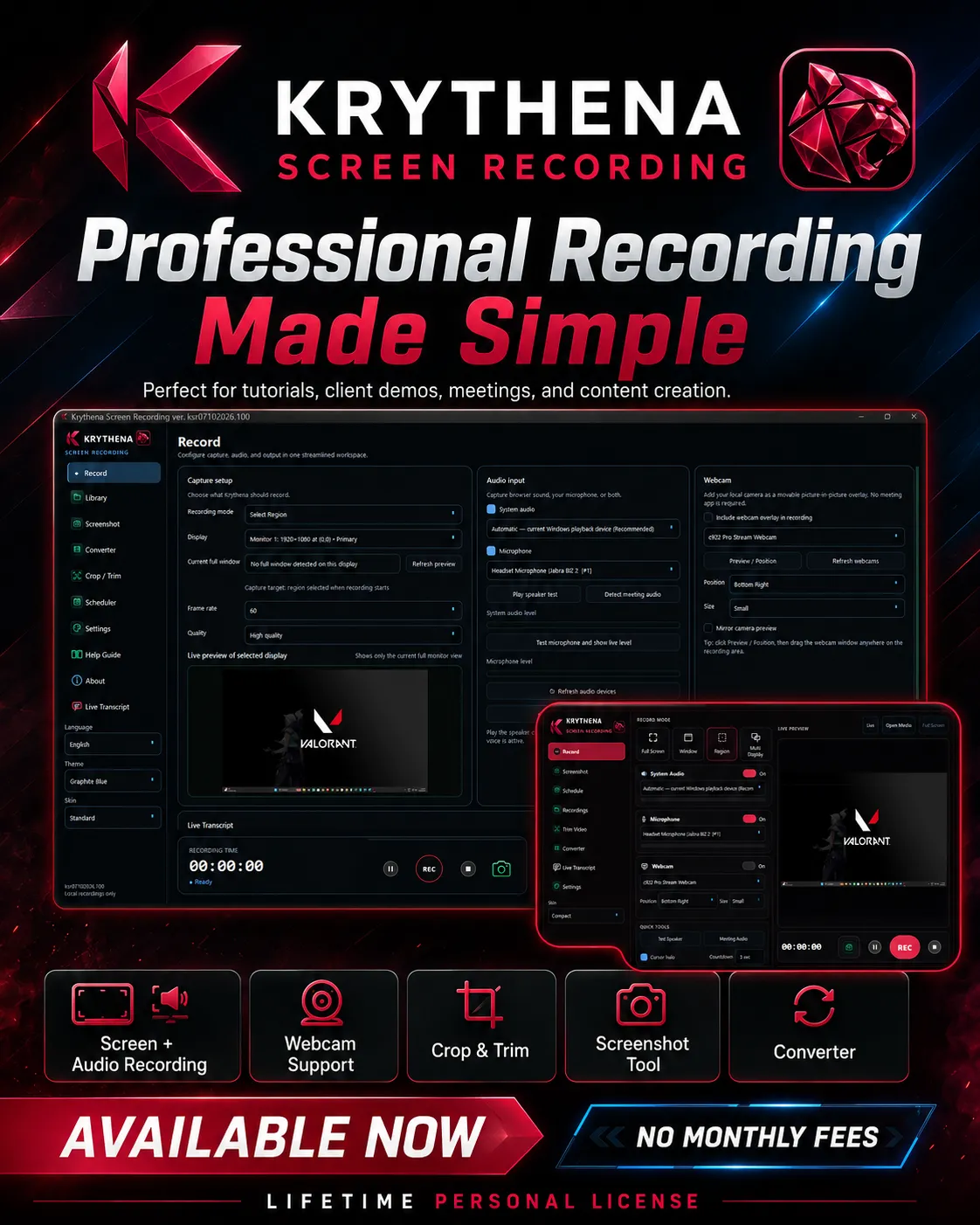
Record your screen, system audio, microphone, and webcam from one streamlined workspace — then manage, trim, convert, and organize your recordings without needing multiple applications.
KEY FEATURES
• Full Screen Recording
• Window Recording
• Select Region Recording
• Multi-Display Recording
• System Audio Recording
• Microphone Recording
• System Audio + Microphone Together
• Webcam Capture / Overlay
• Pause & Resume Recording
• Screenshot Capture
• Yellow Cursor Highlight
• Recording Library
• Crop & Trim Video
• Built-in Media Converter
• Recording Scheduler
• Live Transcript
• Speaker & Microphone Testing
• Adjustable Recording Quality
• Frame Rate Selection
• Multiple Display Support
• Standard & Compact Interface Options
• Multiple Language Options
• Local Recording Storage
RECORD, CREATE & ORGANIZE
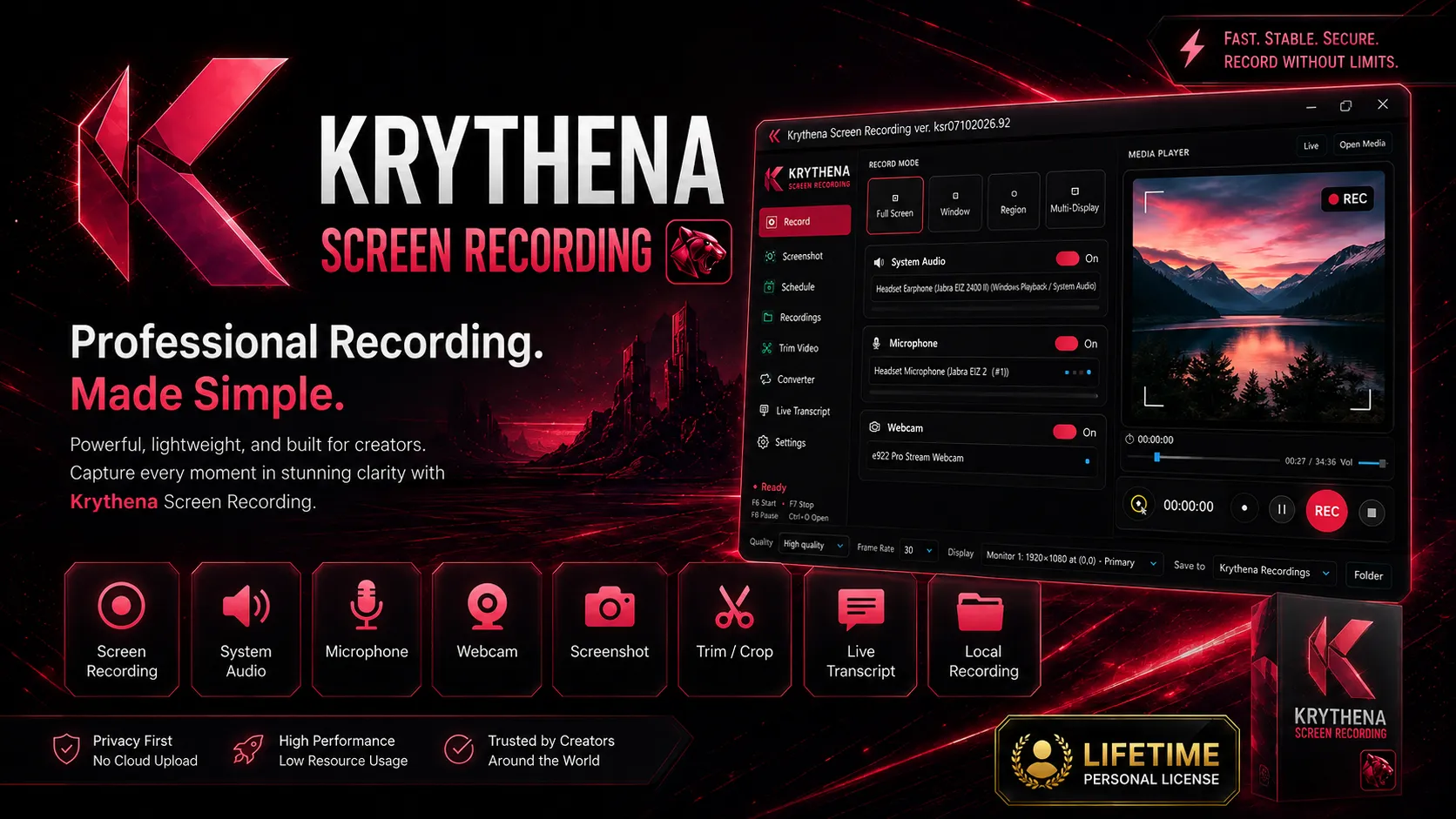
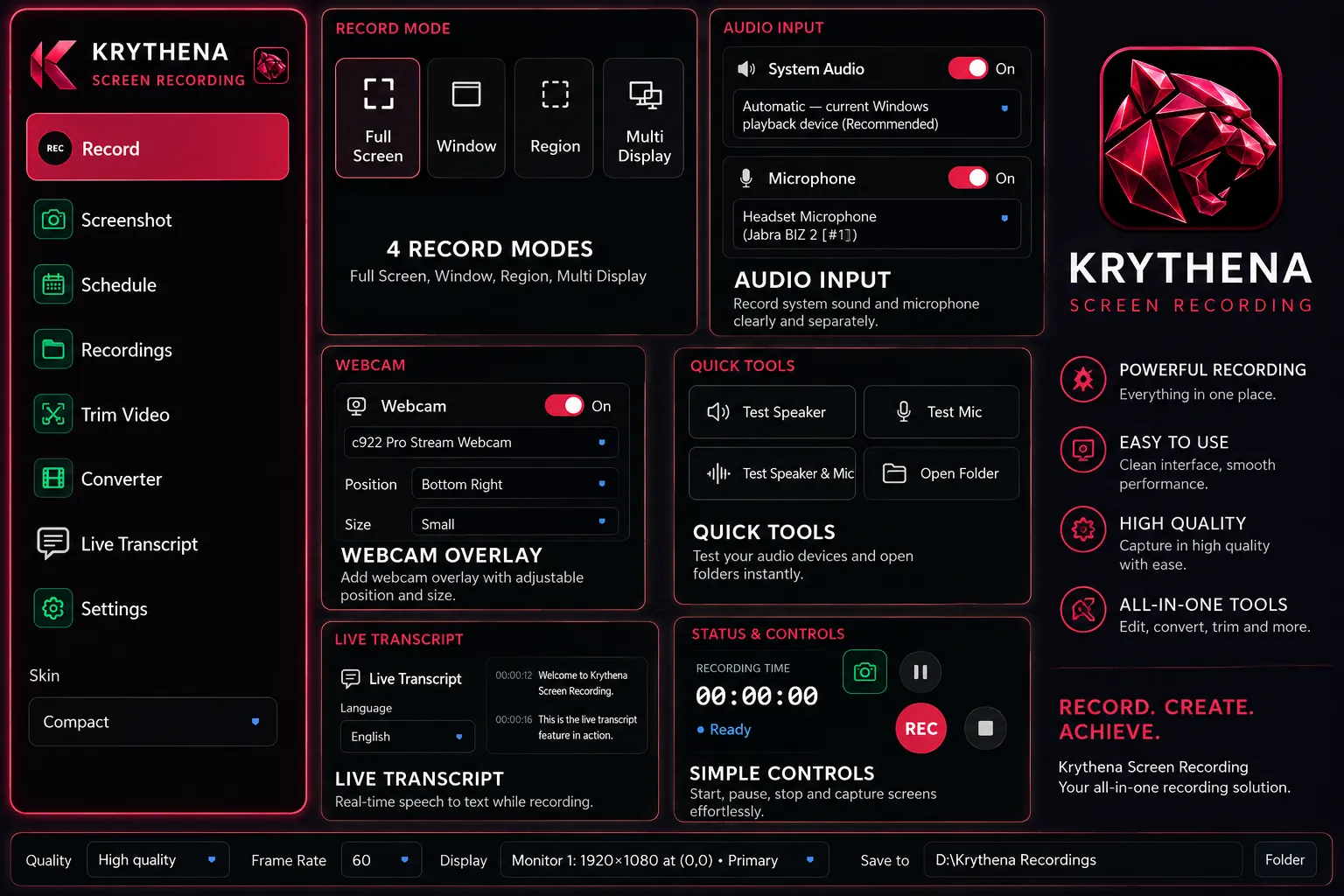
Choose the recording mode that fits your workflow — Full Screen, Window, Region, or Multi Display.
Capture Windows system sound and microphone audio clearly, add your webcam when needed, and take screenshots directly from the application.
Your recordings are stored locally on your computer, giving you direct control over your files.
MORE THAN A SCREEN RECORDER
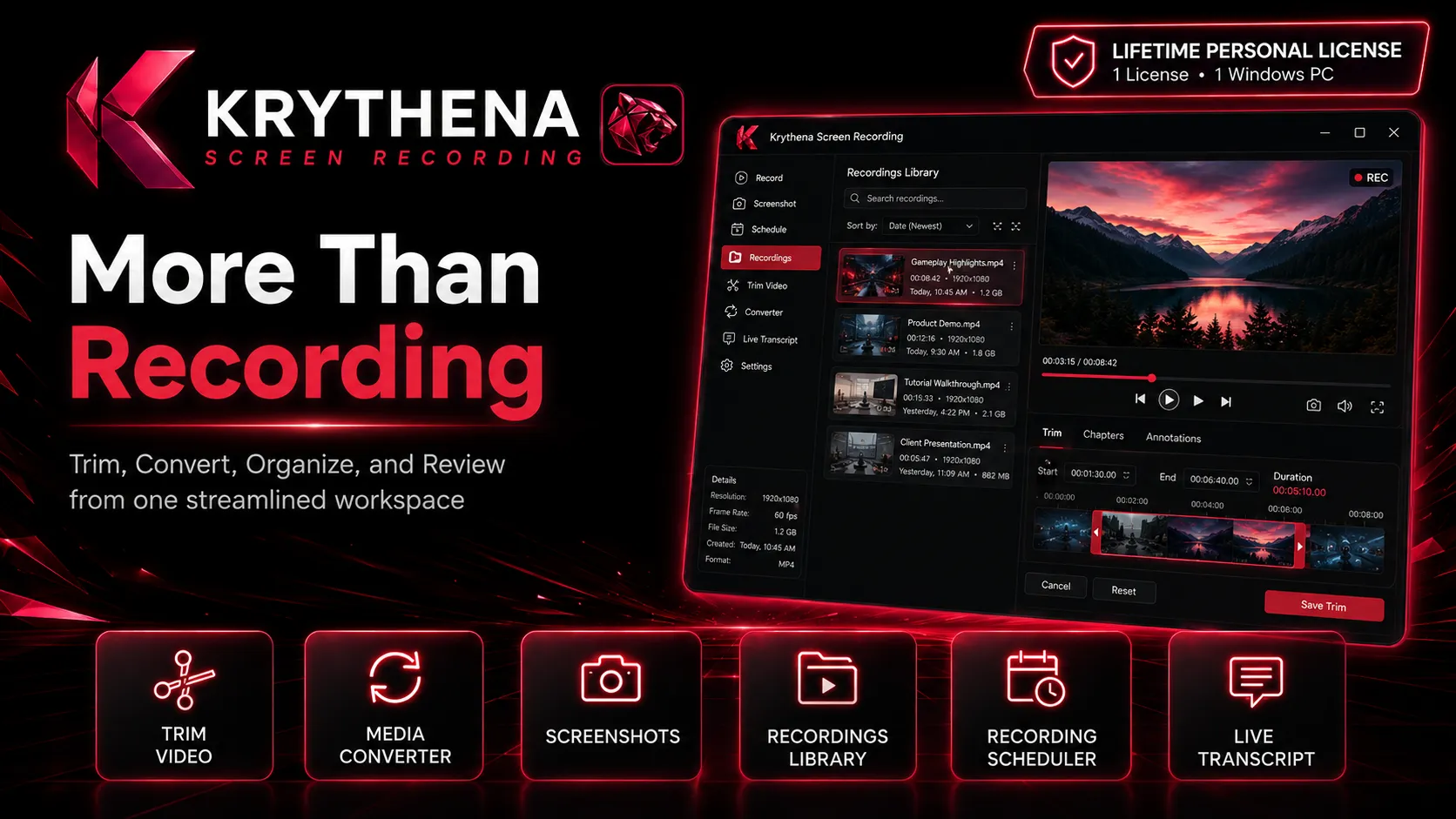
Krythena also includes tools that help you work with your recordings after capture.
Trim Video
Remove unwanted sections from recordings.
Media Converter
Convert supported media files without opening a separate converter.
Recording Library
Quickly access and manage your saved recordings.
Recording Scheduler
Schedule recordings for planned meetings, presentations, training sessions, and other events.
Live Transcript
Convert detected speech into text while recording, with options to display and save transcript content.
Live Transcript accuracy may vary depending on microphone quality, background noise, speaker clarity, accent, language, and recording conditions.
GREAT FOR
• Remote workers
• Virtual assistants
• Teachers & students
• Trainers
• Content creators
• Software developers
• Business professionals
• Tutorials & demonstrations
• Meetings & presentations
• Training videos
• Product walkthroughs
• Documentation
SYSTEM REQUIREMENTS
• Windows 10 or Windows 11
• 64-bit operating system
• 4 GB RAM minimum
• 8 GB RAM or more recommended
• 1280 × 720 display or higher
• Microphone and webcam optional
• Adequate storage space for recordings
LIFETIME PERSONAL LICENSE
$19.99 USD — One-Time Payment
• Lifetime Personal License
• No monthly subscription
• 1 active Windows PC at a time
If you move to another computer, deactivate the current device before activating the license on the new supported Windows PC.
WHAT YOU RECEIVE
• Krythena Screen Recording Windows installer
• Lifetime Personal License
• License activation information
• Help / User documentation
• Access to the features included with your purchased version
Krythena Screen Recording
Record. Create. Achieve.
Developed by Specialized Digital PH
Support: support@specializeddigitalph.com