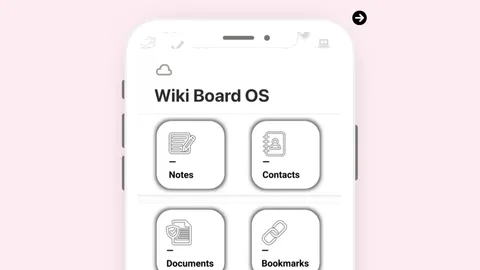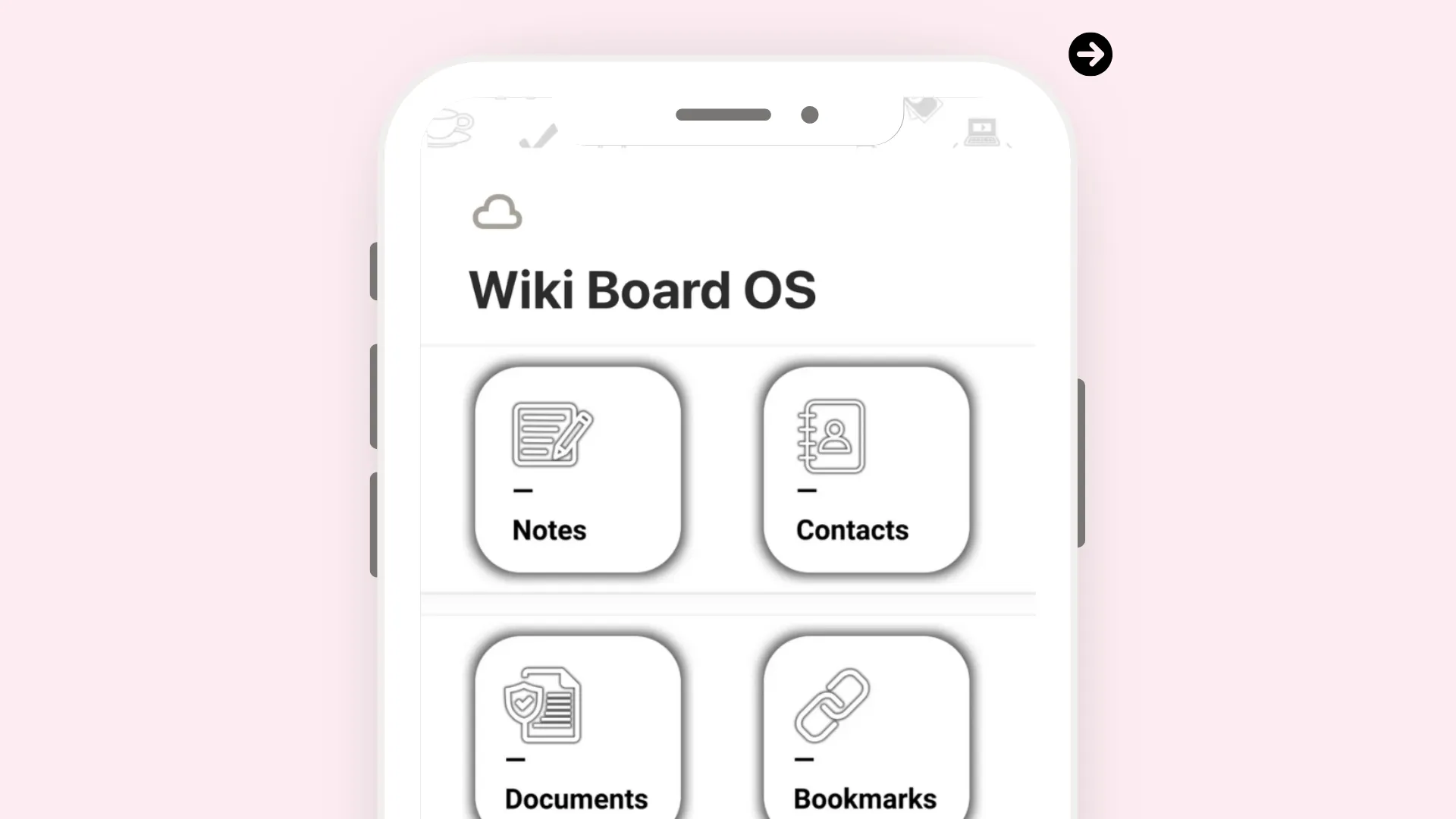
Wiki Board OS
Description
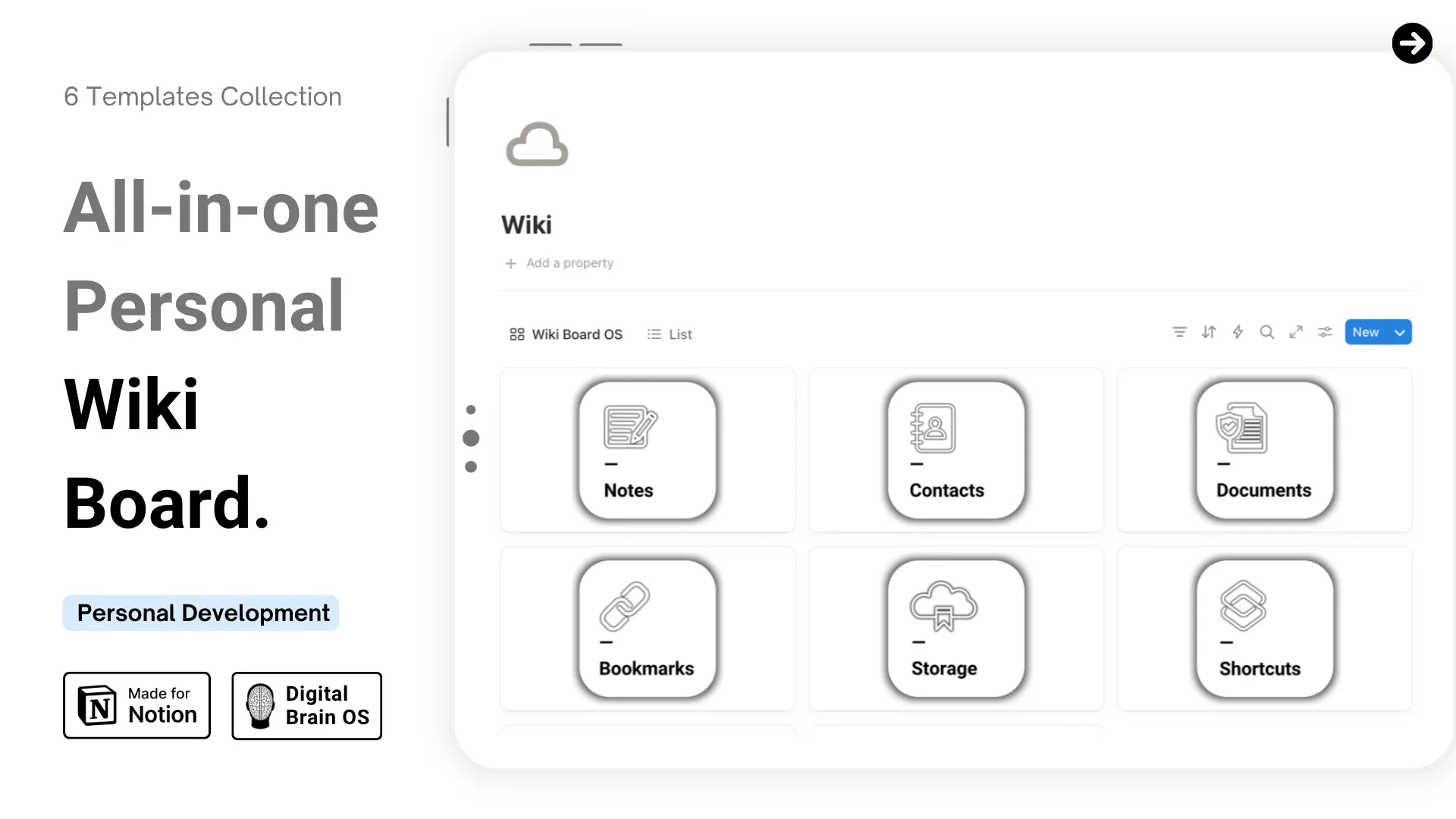
Wiki Board OS — All-in-one Personal Wiki Board.
Design a digital life where every piece of information is easily accessible — one that organizes your notes, contacts, documents, bookmarks, storage, and shortcuts in one structured hub — and build the clarity and control to find what you need, when you need it.
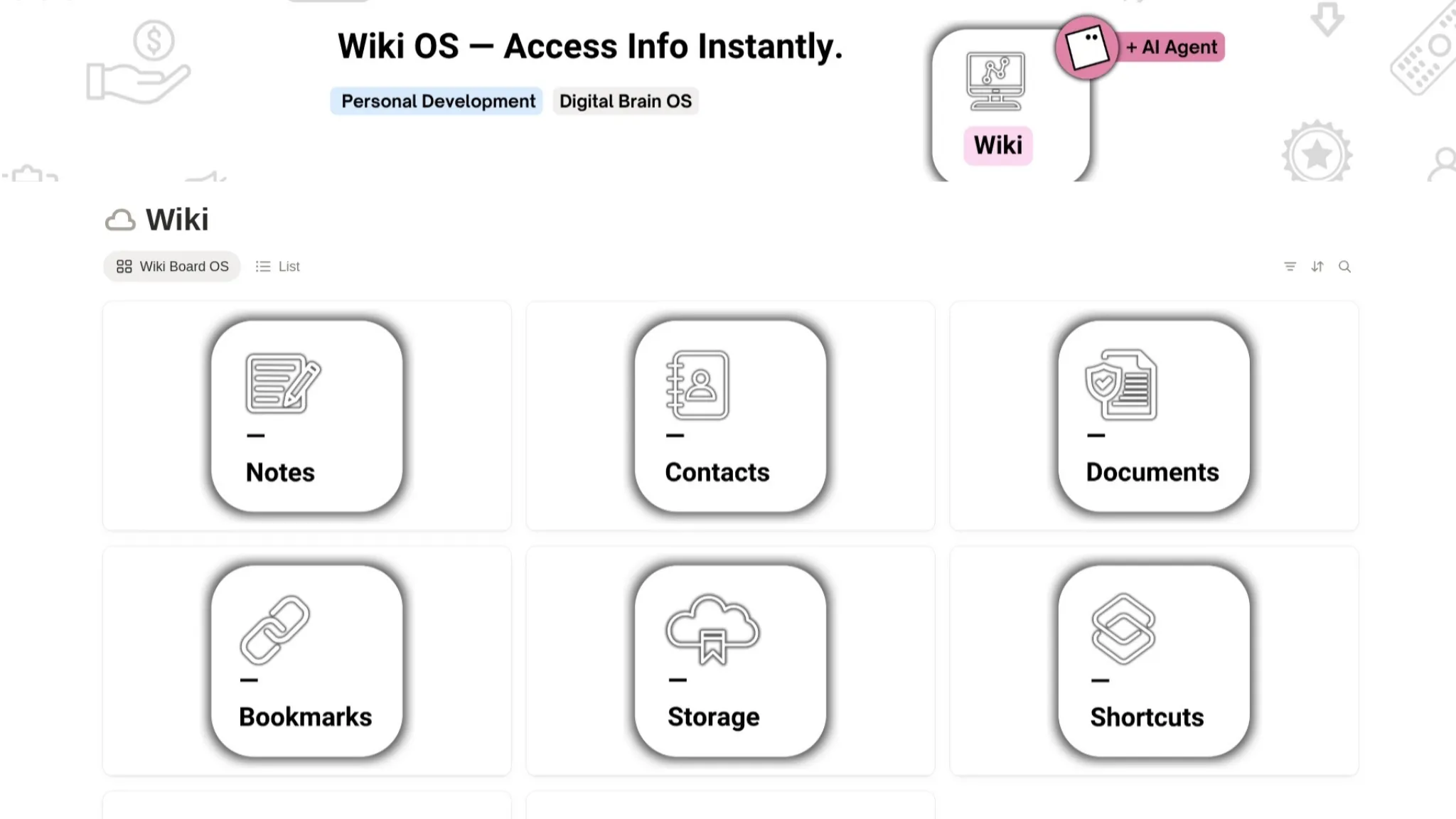
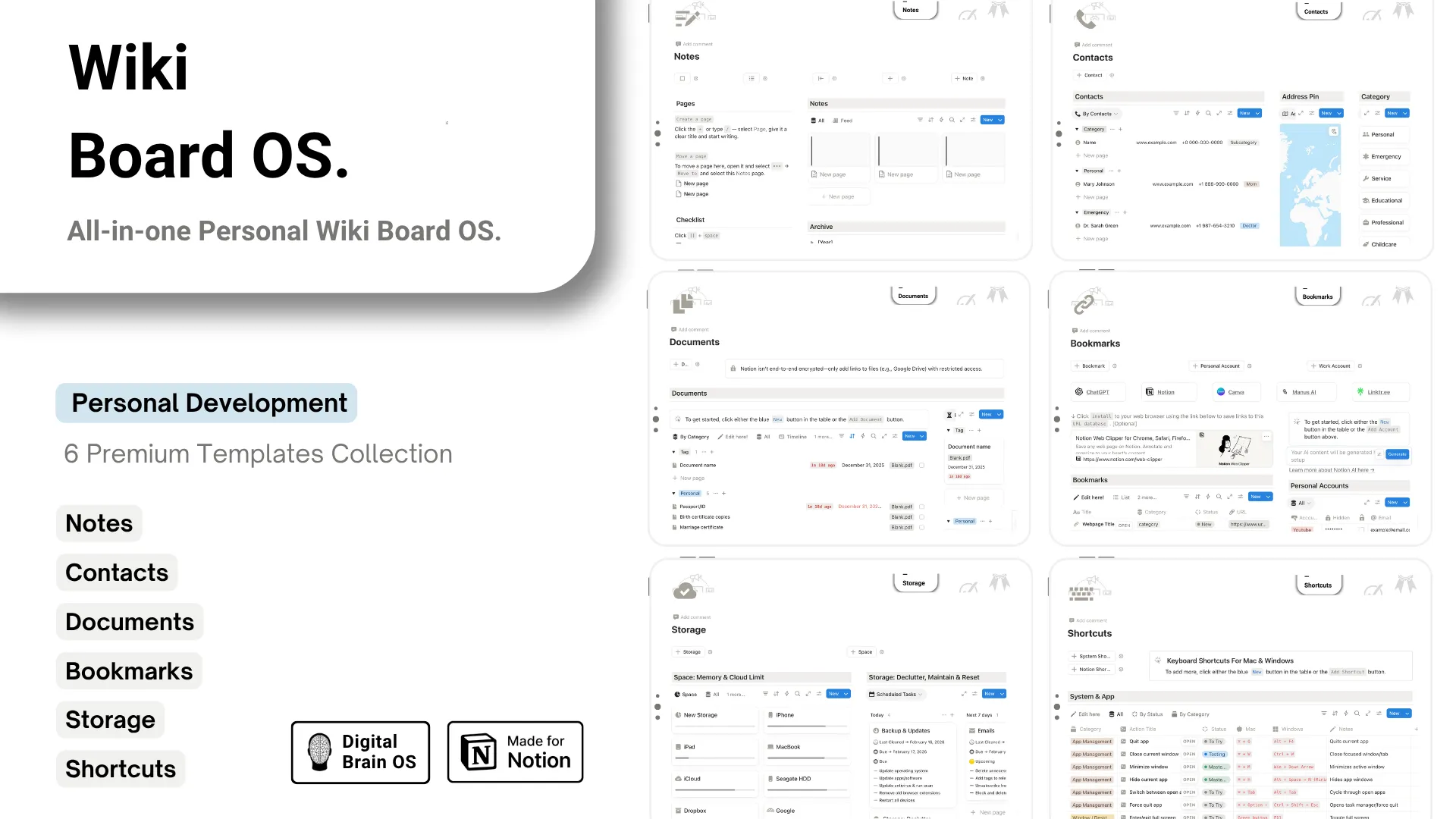
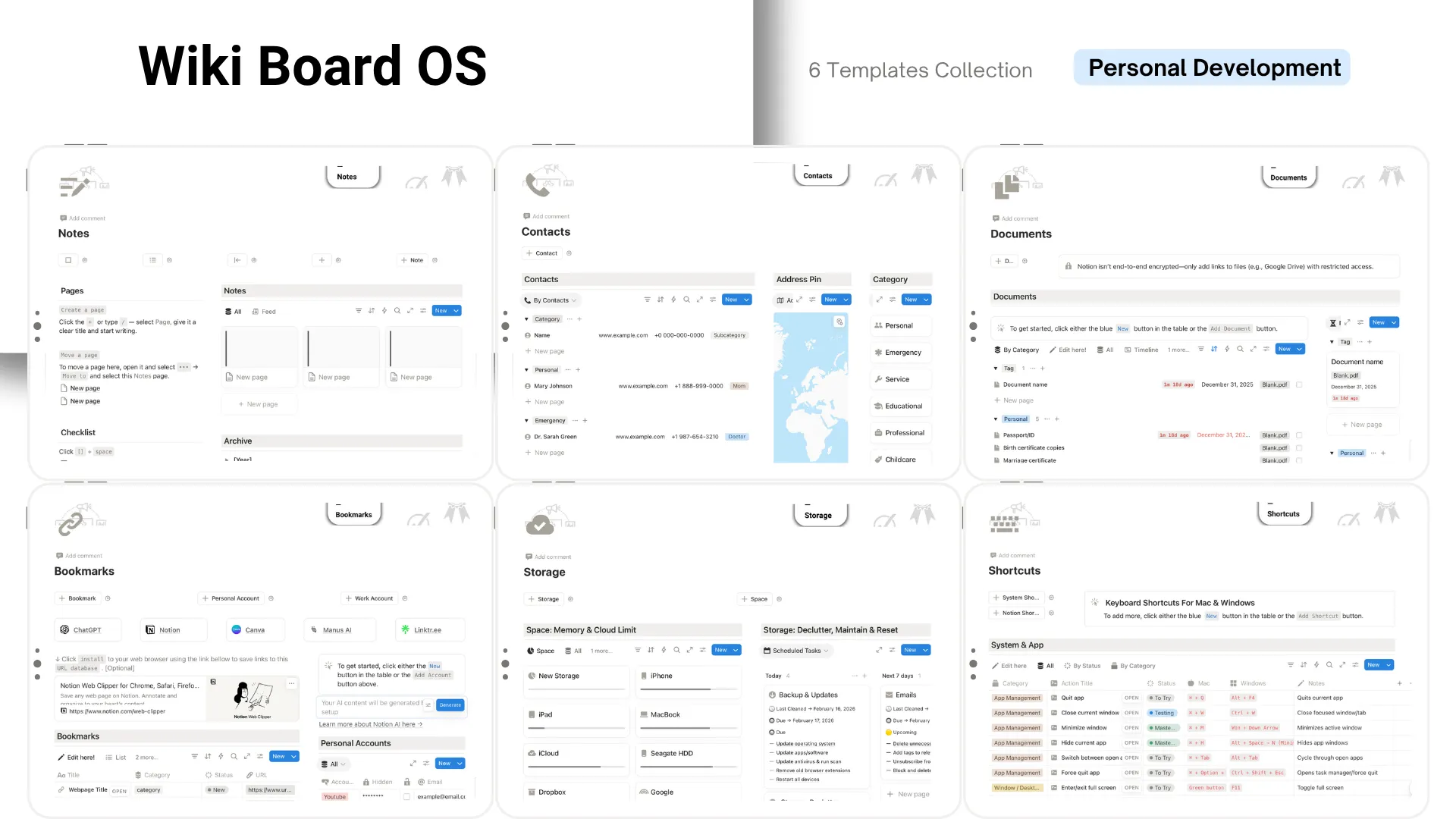
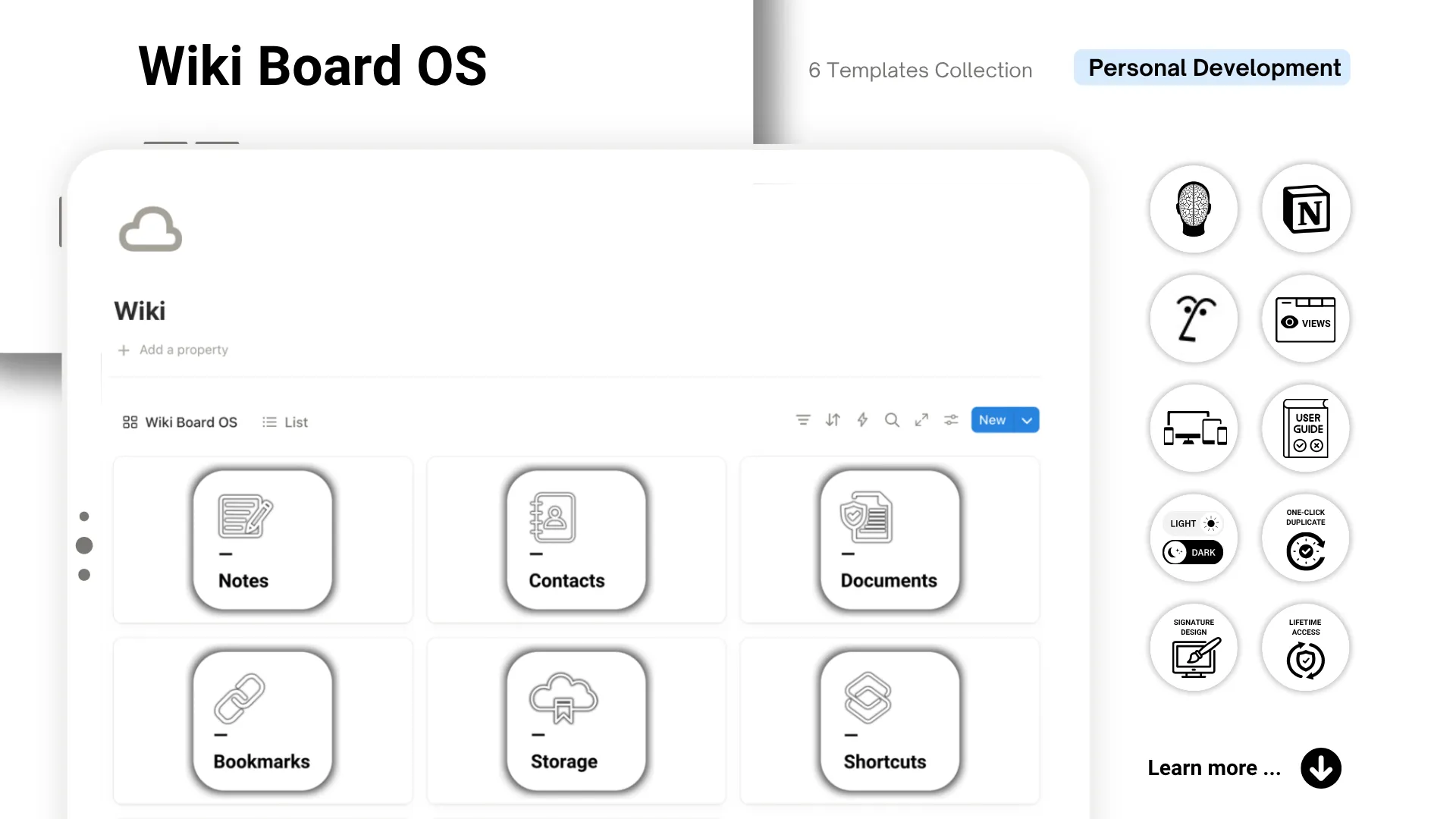
An all-in-one personal wiki system built inside Notion — six templates covering your notes, contacts, documents, bookmarks, storage, and shortcuts, organized in one clean command center.
Imagine opening that dashboard and knowing exactly where everything lives — your saved links, your key contacts, your important files, all right there. No more digging through folders, searching across apps, or second-guessing where you saved something. Instead, you feel organized, in control, and confident — because your information is structured, visible, and always within reach.
This OS helps you capture, organize, and access your most important information. It's not just about storing data — it's about building a personal knowledge hub that actually works for the way you think and live.
What This Wiki Board Helps You Do
- Notes — Capture ideas and important information to keep your knowledge easy to reference.
- Contacts — Keep important people within reach to connect with your network effortlessly.
- Documents — Find essential files in one place to stay organized and stress-free.
- Bookmarks — Save links, prompts, and resources to find what you need in seconds.
- Storage — Track device and cloud storage to maintain a structured, refreshed digital space.
- Shortcuts — Master keyboard shortcuts and quick actions to work faster and more efficiently.
What's Included
Wiki AI Agent
Wiki AI is a custom Notion agent built for the Wiki Board OS — ask it where things go, how sections work, or to add entries for you.
Three ways to use AI with this wiki:
- On a free plan — Use the built-in prompts by copying and pasting them into ChatGPT or Claude.
- With Notion AI — Write, summarize, and ask questions on any page (requires Business or Enterprise plan).
- With Wiki AI Agent — The full experience. Wiki AI knows your entire system (requires Business or Enterprise plan + Notion Credits).
The template works on any Notion plan. AI features are optional — never mandatory.
Design & Experience
- Simple starter checklist to guide your setup
- System to monitor devices, cloud limits, and digital refresh routines
- Filled examples and blank templates for personal use
- Built-in AI prompts for quick population and customization
- Light & dark mode covers included
- Fully responsive across desktop, tablet, and mobile
- Simple, intuitive layout and design
- Lifetime access — no recurring fees
What Makes This Special
"Most systems only store information. This one helps you organize, maintain, and access it — exactly when you need it."
This isn't just a Notion template — it's a personal information management system. Thoughtfully designed to reduce digital clutter and support your everyday life, it functions like a private HQ: structured and completely yours.
This is your system — the one that holds your information, your files, your connections, and your digital life in one place.
→ Get the Wiki Board OS and bring clarity back to your digital world — one organized space at a time.